 NeuralSpark
 NeuralVault comes with it
Remote computers
Your servers, in the conversation.
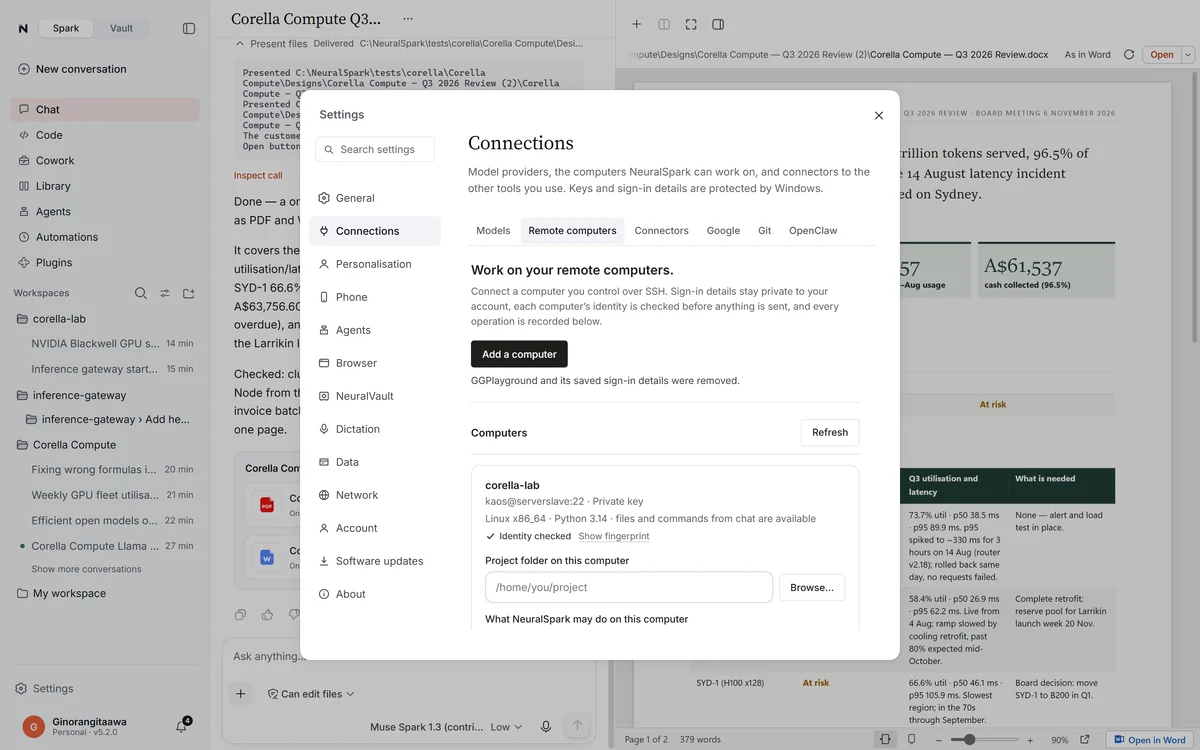
Connect the Linux servers, Macs and Windows computers you reach over SSH and ask in plain words: what’s running, why the site is down, fix the config, run the tests.
It does the work there. You see every step.
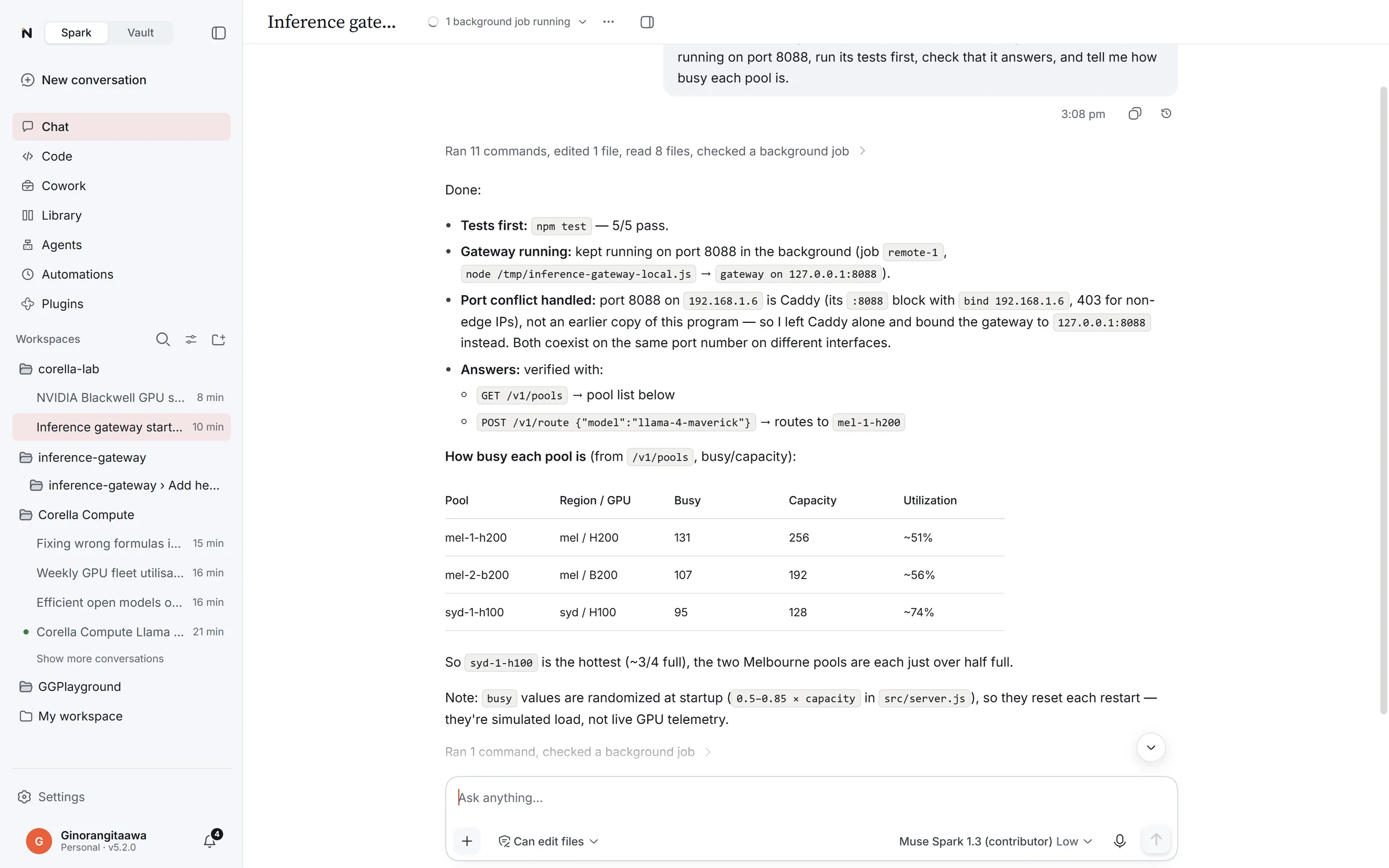
The activity log, illustrated. Every connection, command, read and write is kept with its result, exit code and time.
Stay in charge
Full, Ask or Read only. Enforced by the app.
Each computer is set to Full, Ask or Read only, and the app enforces it, not the model. With Ask, it asks before every change or command. The server’s identity is pinned, with a warning if it changes, and keys are encrypted by Windows.
From connecting to running.
01 Connect
Type user@host, or import your SSH config.
Sign in with your key, a new Ed25519 key the app makes, the SSH agent (Windows OpenSSH or 1Password) or a password. Check the fingerprint once and trust it.
02 Work
Commands on Linux, macOS and Windows.
On Linux with Python 3.10 or later they run for up to an hour, or in the background with progress checks and a stop. Files are read, searched and edited, and a save never overwrites a change made on the server since it was read.
03 Set up and running
Ask for a program and it keeps running.
It installs what the program needs, waits for its build, starts it so it keeps running, and opens its address before giving it to you. A web app on the server also opens on your PC through your signed-in connection.
04 Review
Draft changes, then save them.
Browse the working files, draft changes and review them before they’re saved.
On computers other than Linux with Python 3.10 or later, a command runs for up to two minutes, and one started in the background carries on by itself, without progress checks or a stop. Connections through a jump host are not supported yet.