 NeuralSpark
 NeuralVault comes with it
Chat
Answers you can check.
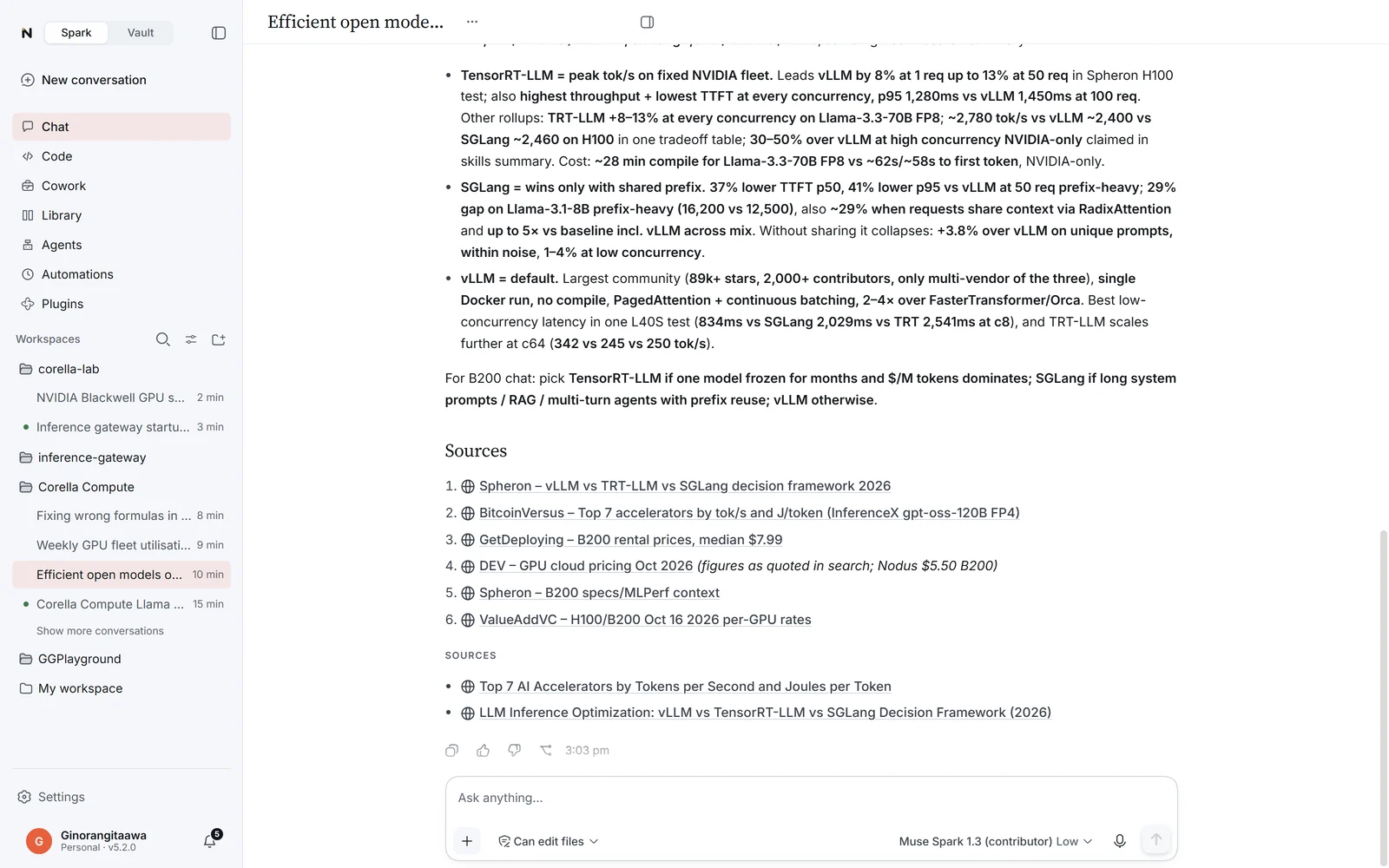
Ask anything. Chat searches the web, reads the pages and answers with its sources, and when a card says it better, it lays the answer out as one.

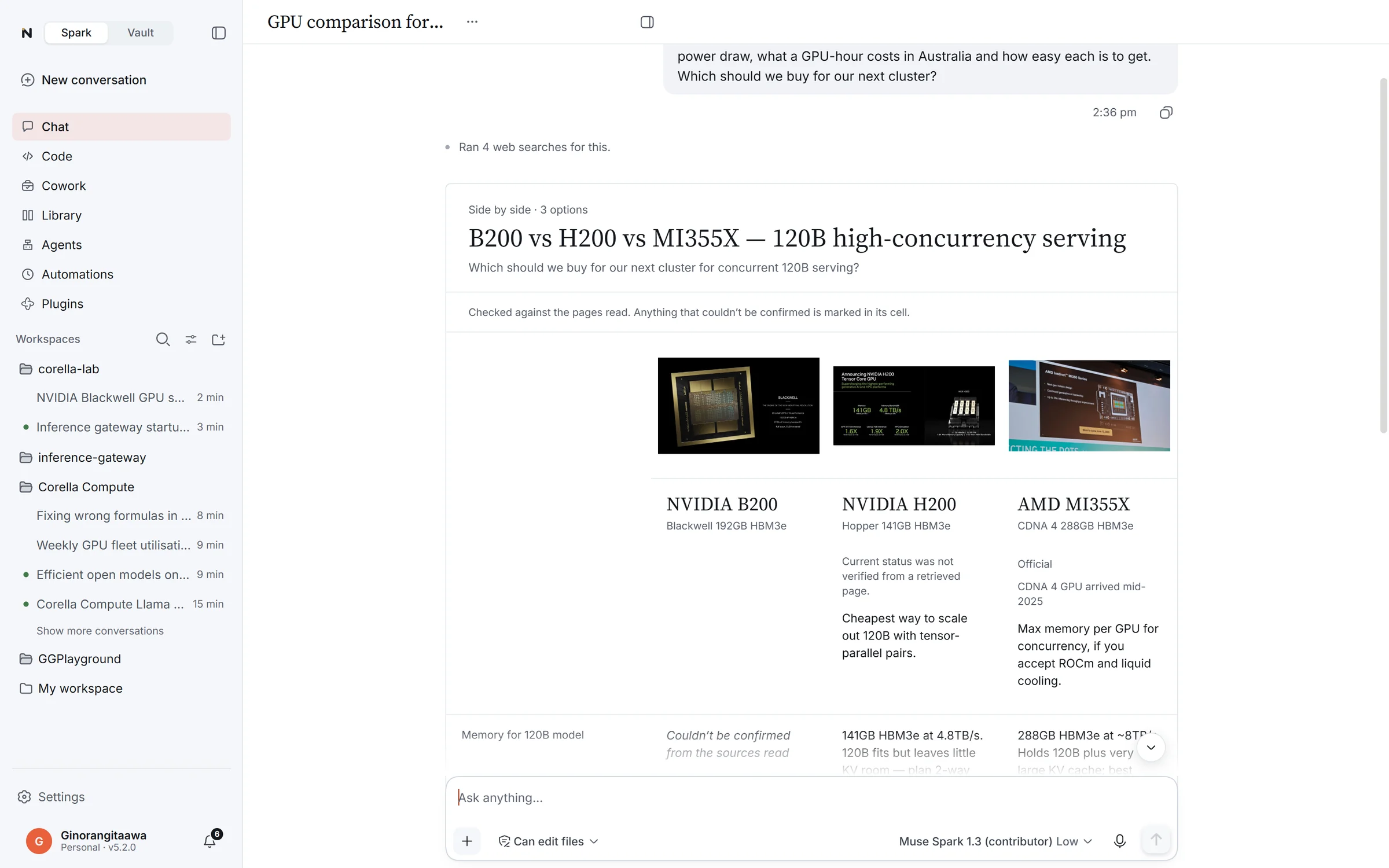
Search and sources
It reads the pages, then answers.
Web search in every chat, with its sources named under the answer. Totals and counts are calculated, never estimated, and an address is opened before you’re given it.
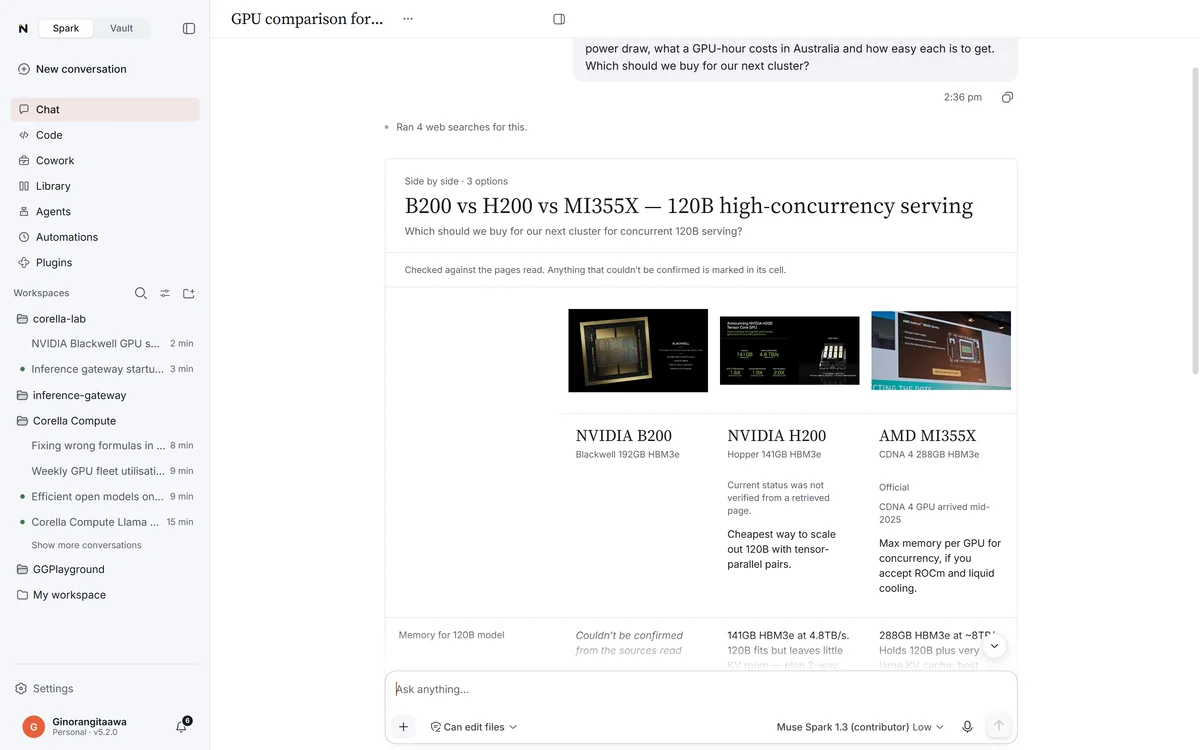
Deep research
For the big questions.
Up to 20 searches and 30 page reads, the key figures cross-checked, and a report with numbered sources at the end.
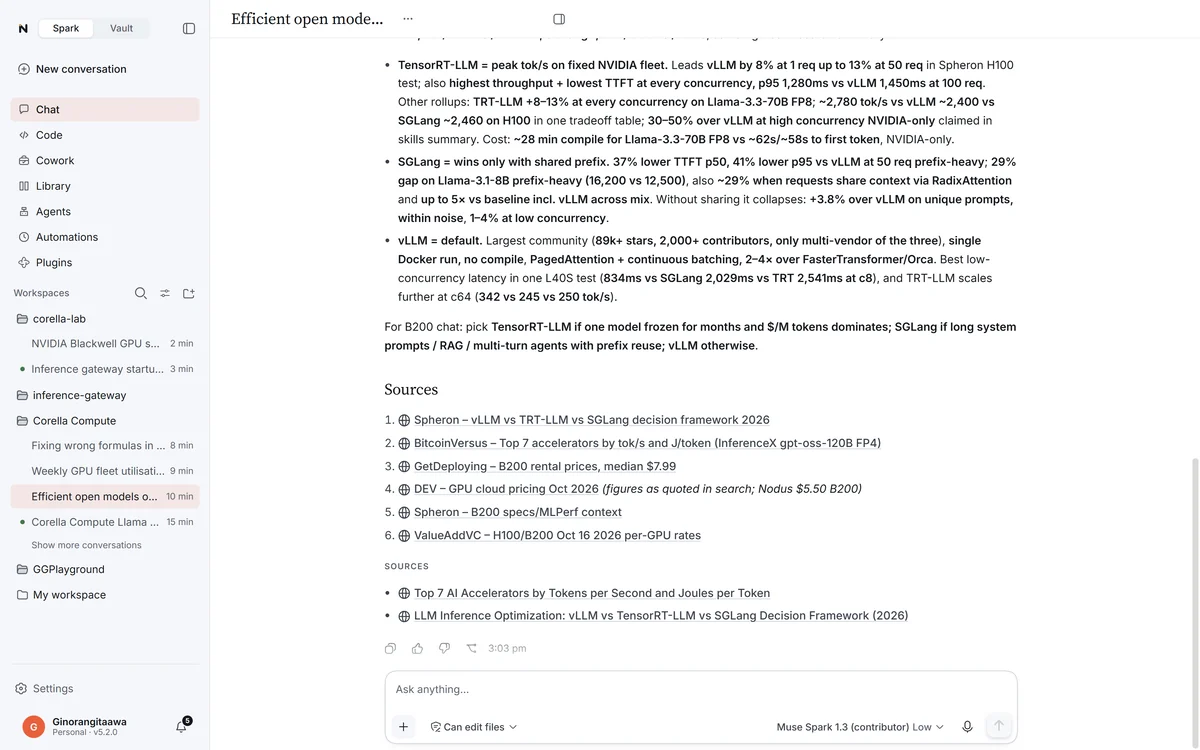
Your files
Attach it, ask about it.
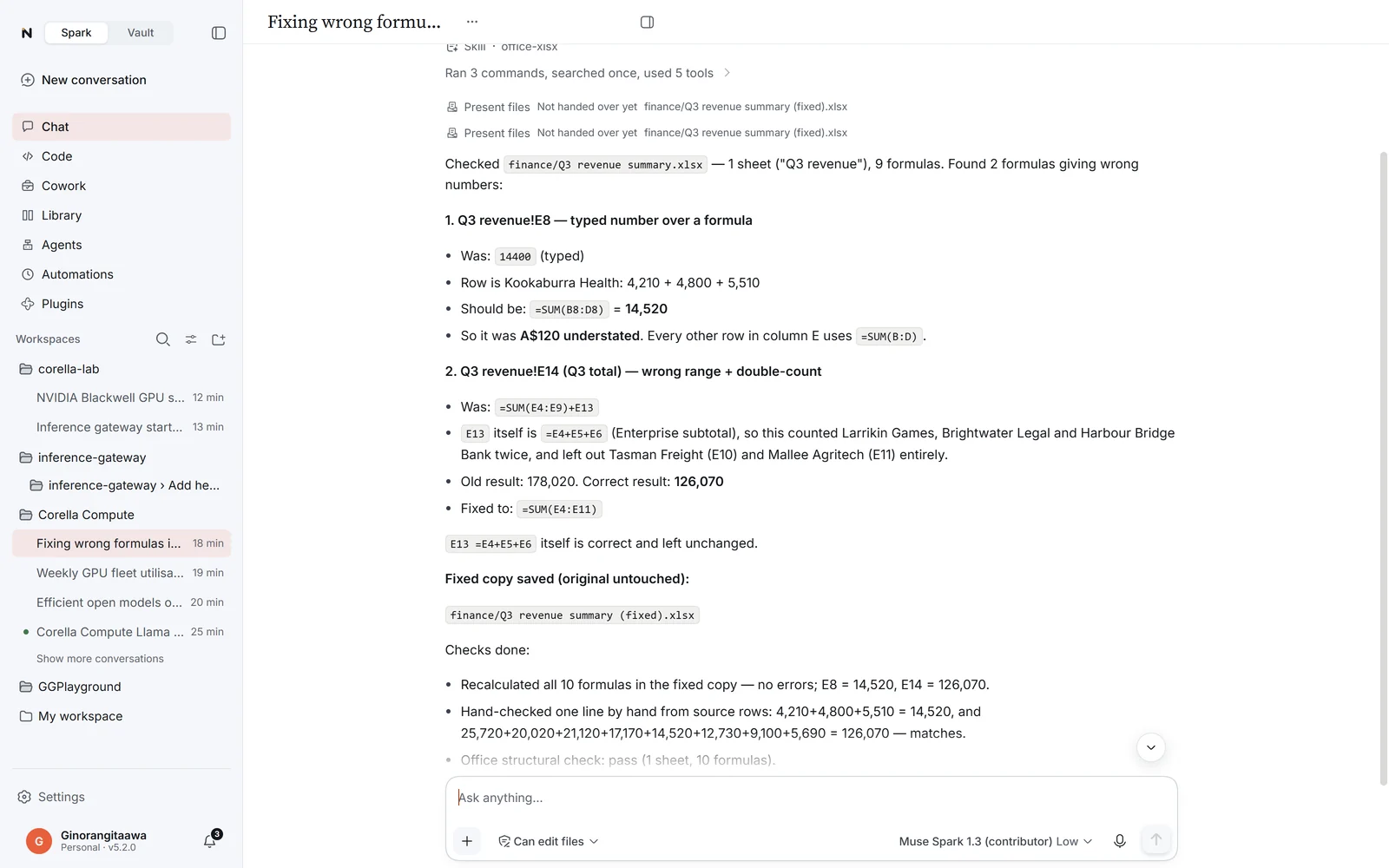
PDFs, Word, Excel and PowerPoint files, photos and scans. It searches inside a long document for the words you mean, so a 300-page handbook is answered from the right page.
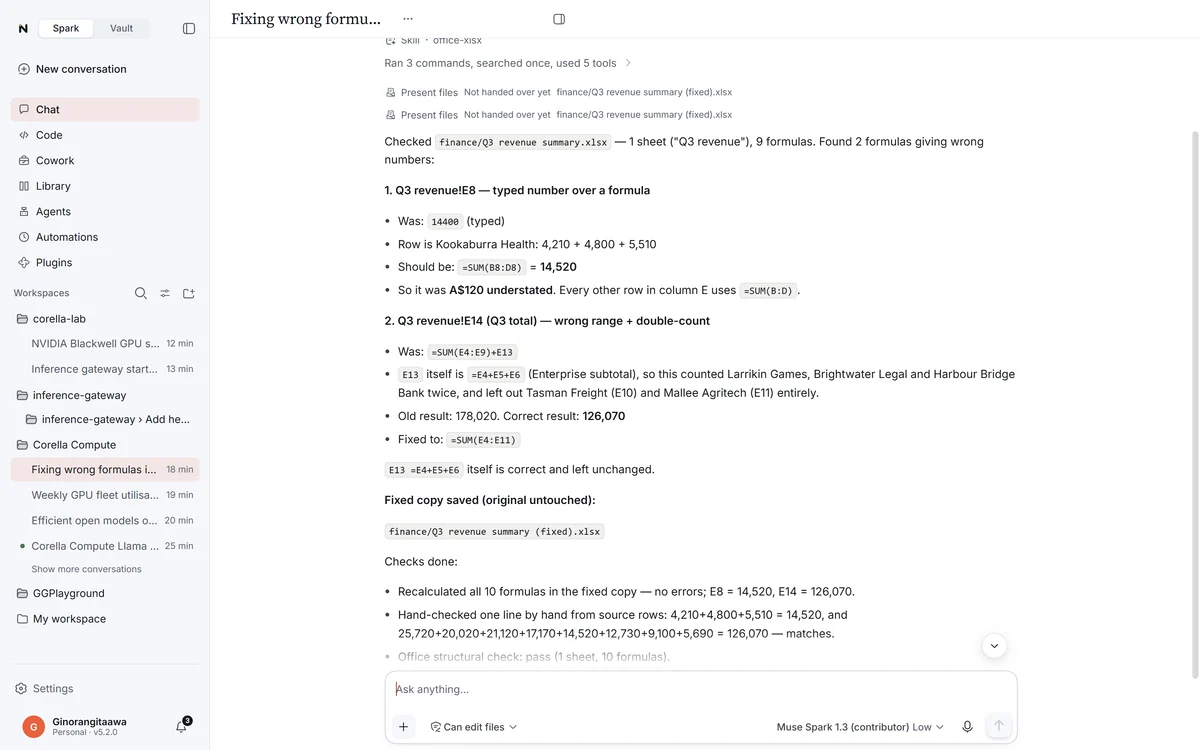
Your call
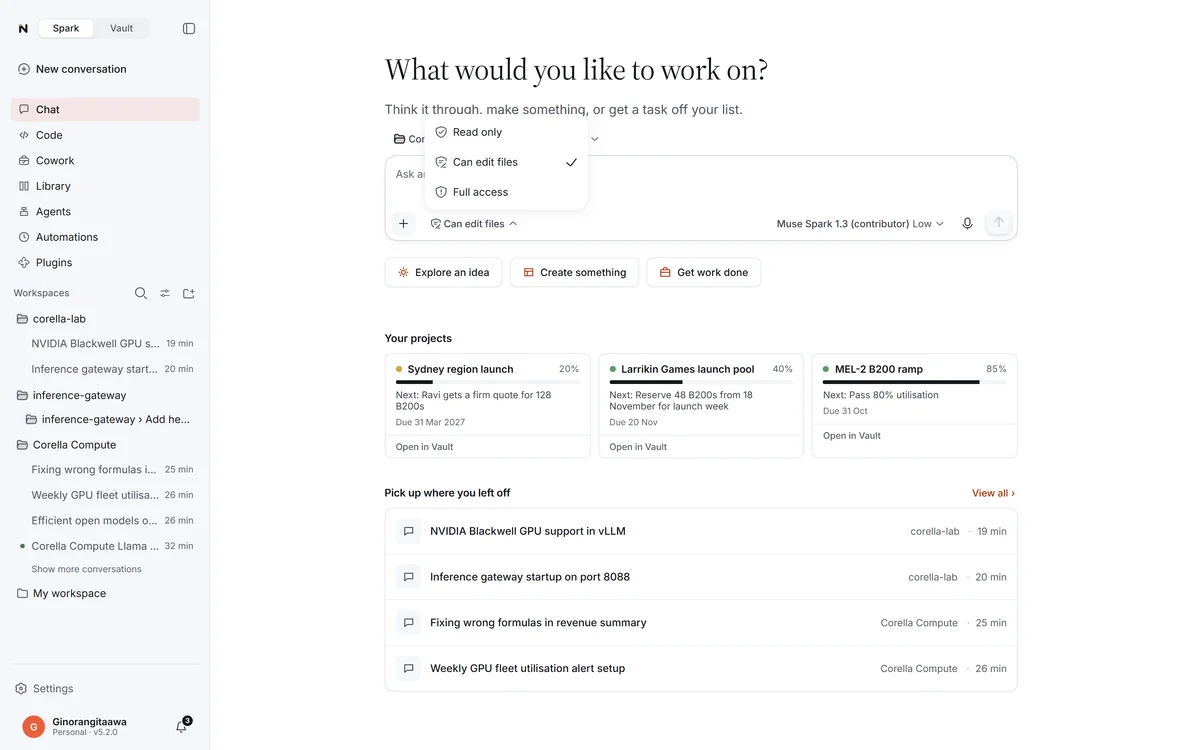
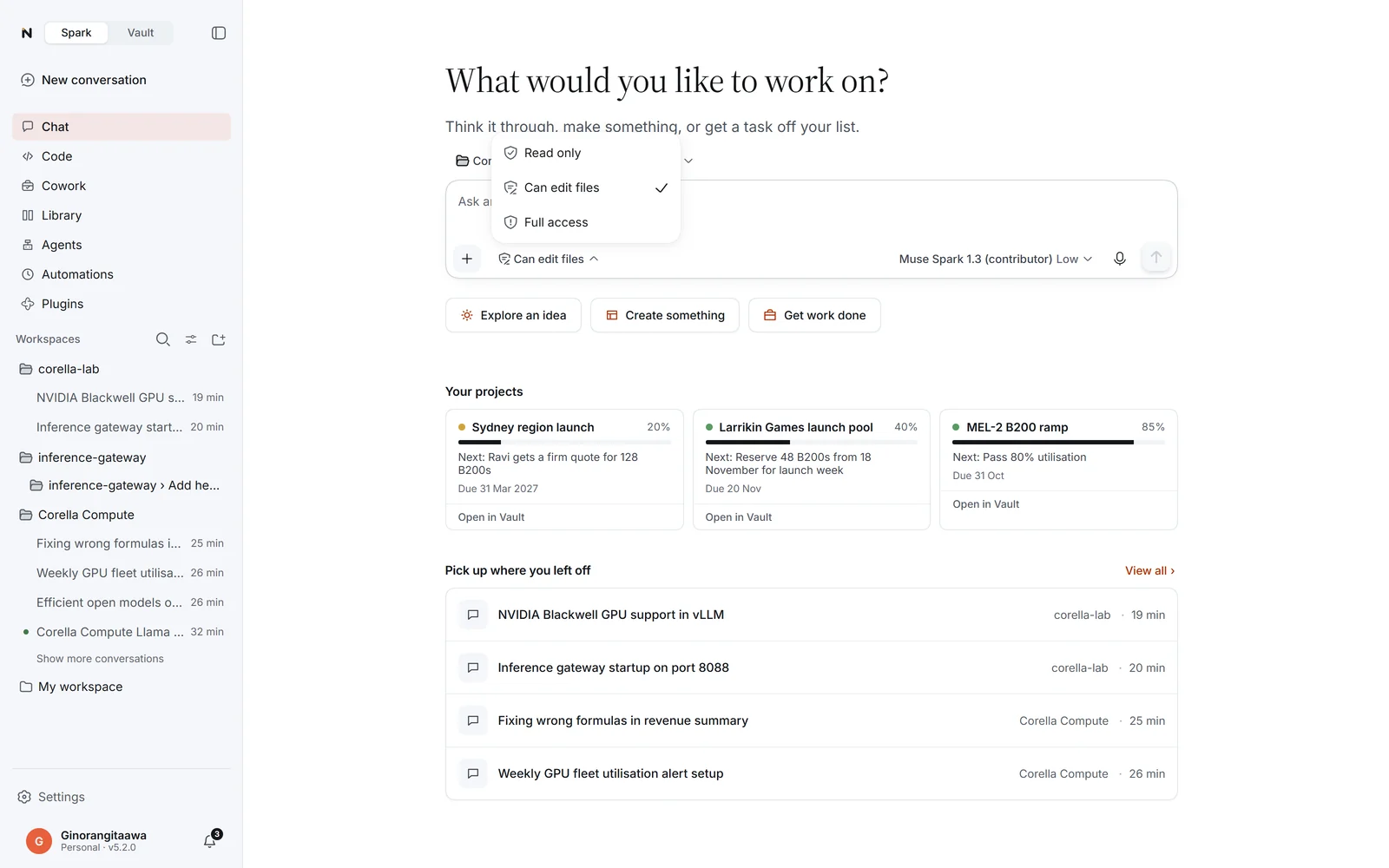
You choose what it may do.
Each conversation is Read only, Can edit files or Full access. It shows every step as it goes, and asks before anything bigger.
Answer cards
Answers you can work with.
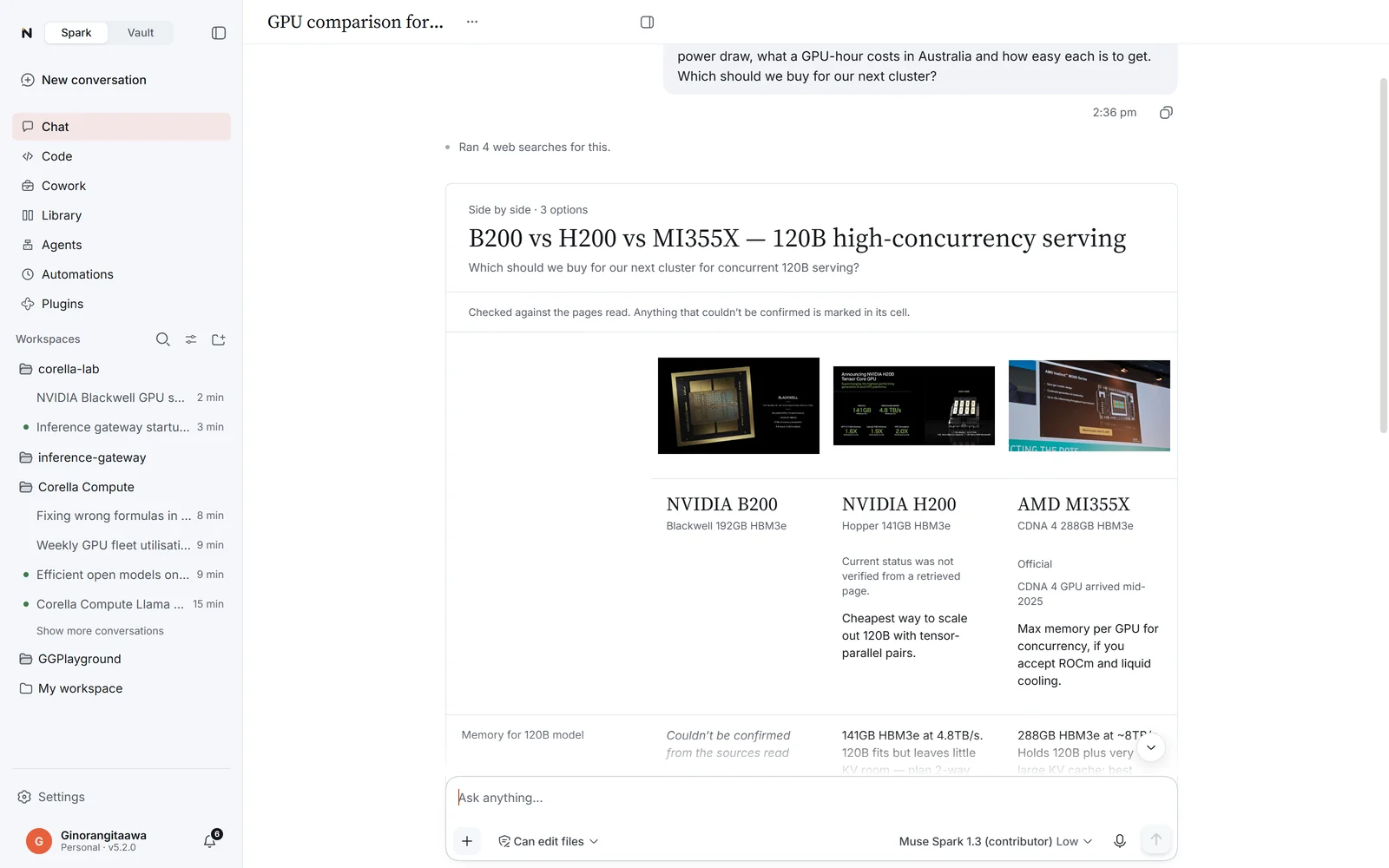
Every card names the pages it came from. Before you see it, a second check compares it with what was actually read, and anything it couldn’t confirm is marked on the card.
Comparison
Two to four options side by side, each marked official or rumoured. Tick what matters and see which way it leans.
Chart
Bar, line or pie, drawn from the figures it found.
Checklist
Tick items off; the ticks are kept. Copy what’s still open.
Plan
A trip, event or project in costed stages, in your home currency. Change the budget and every total follows.
Information
Two to four facts, a picture, the sources, and how sure it is: confirmed, likely or uncertain.
Story
Three to eight chapters with pictures, a trailer or a gallery.
Fixtures
Games and results in their local time or yours, and an Add to calendar file with confirmed times only.
And the small things that make it yours.
Speak instead of typing
Press the microphone beside Send and talk; Windows voice typing writes your words into the message. It works in NeuralVault too.
Memory you can see
It keeps what you tell it about you and your work, in topics you can read and change in Settings.
A side question
Ctrl + ; asks something while it works, answered without adding to the conversation.
Search every conversation
Find any conversation by the words in it, not only its title.
The terminal beside you
Ask about the terminal next to your conversation: it reads it, and runs a command there after you say yes.
One request, the whole job
Ask for a project’s monthly update and get the deck, the Word report and an email draft with both attached, in your brand. You send it.
Standing instructions
Tell it once how you like to work, and every new conversation starts with it.
Pictures in the conversation
Made, edited and sized by your provider’s image model, shown there and saved in your workspace.
Undo
Rewind under a message puts back what changed, including files a command changed.